Canopy Current Glide
Read the wind, control your descent, land softly.
An offline paraglider glide game. Tap START to launch, hold BRAKE for a shallower angle or DIVE for a steeper one, ride air currents, and land softly on the green pad. 30 levels of wind, updrafts, and shifting thermals.
Screenshots
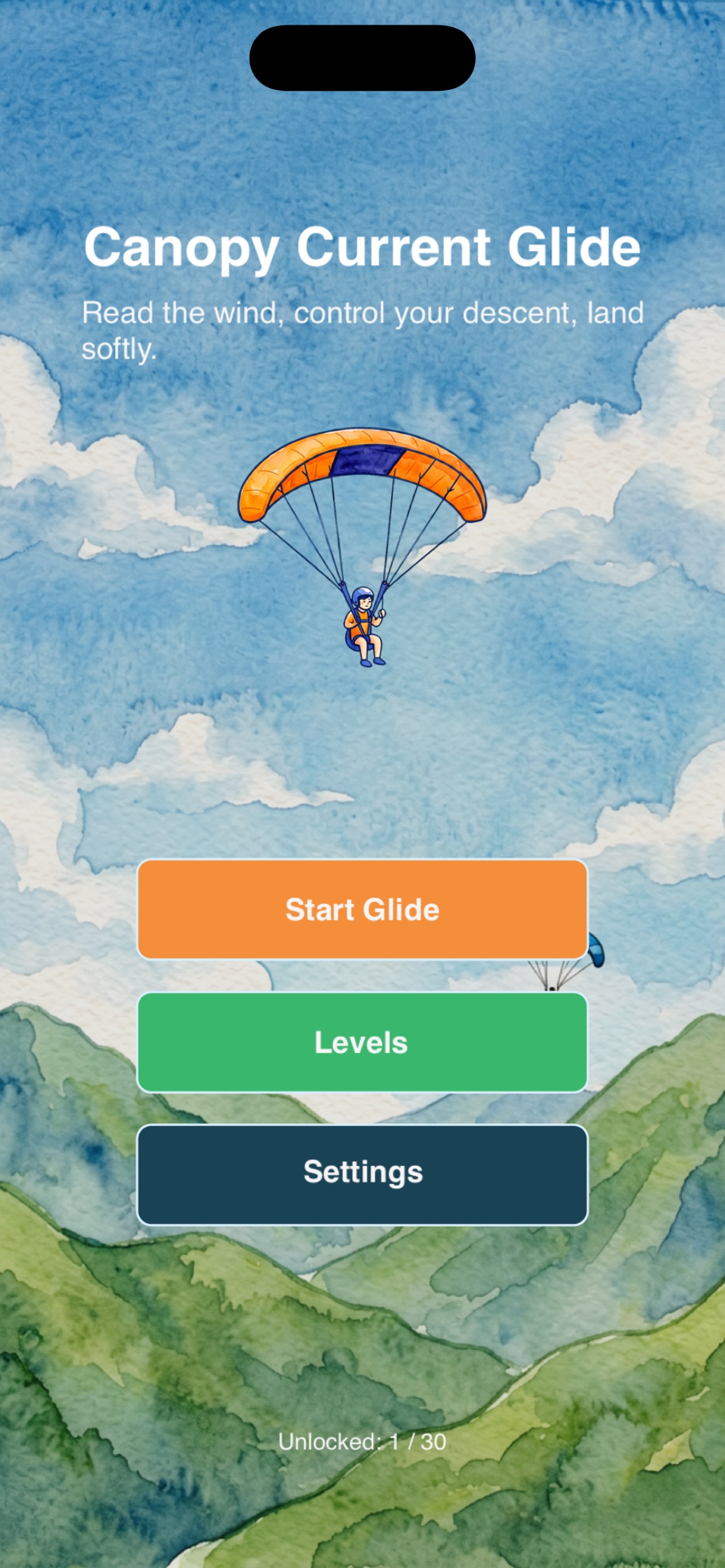
Main Menu
Choose Start Glide, Levels, or Settings from the canopy home screen.
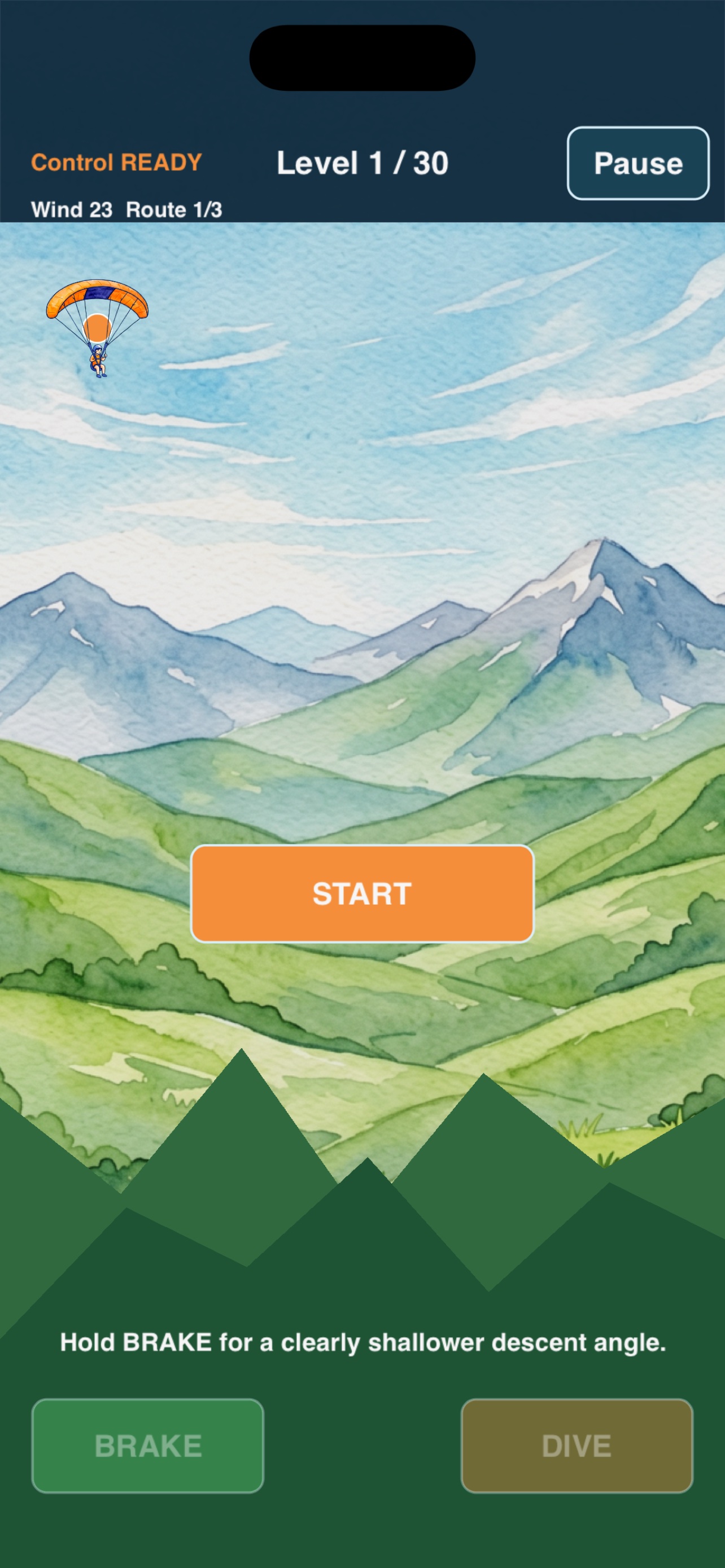
Read the Wind
Each level has air currents marked LIFT, DROP, SHIFT, or UNKNOWN. Fly through them to adjust your descent.
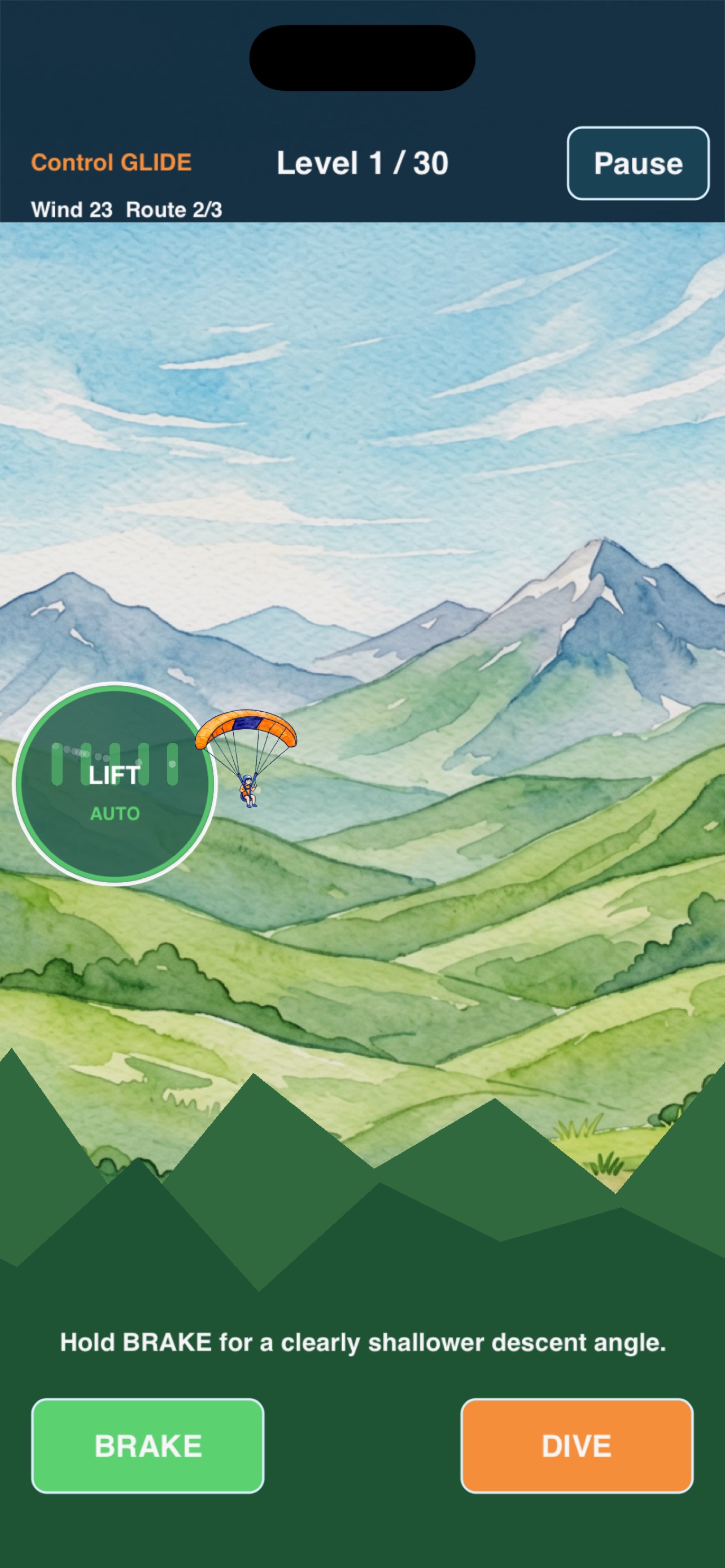
Brake or Dive
Hold BRAKE for a shallower glide angle, or DIVE for a steeper one. Use both to steer toward the pad.
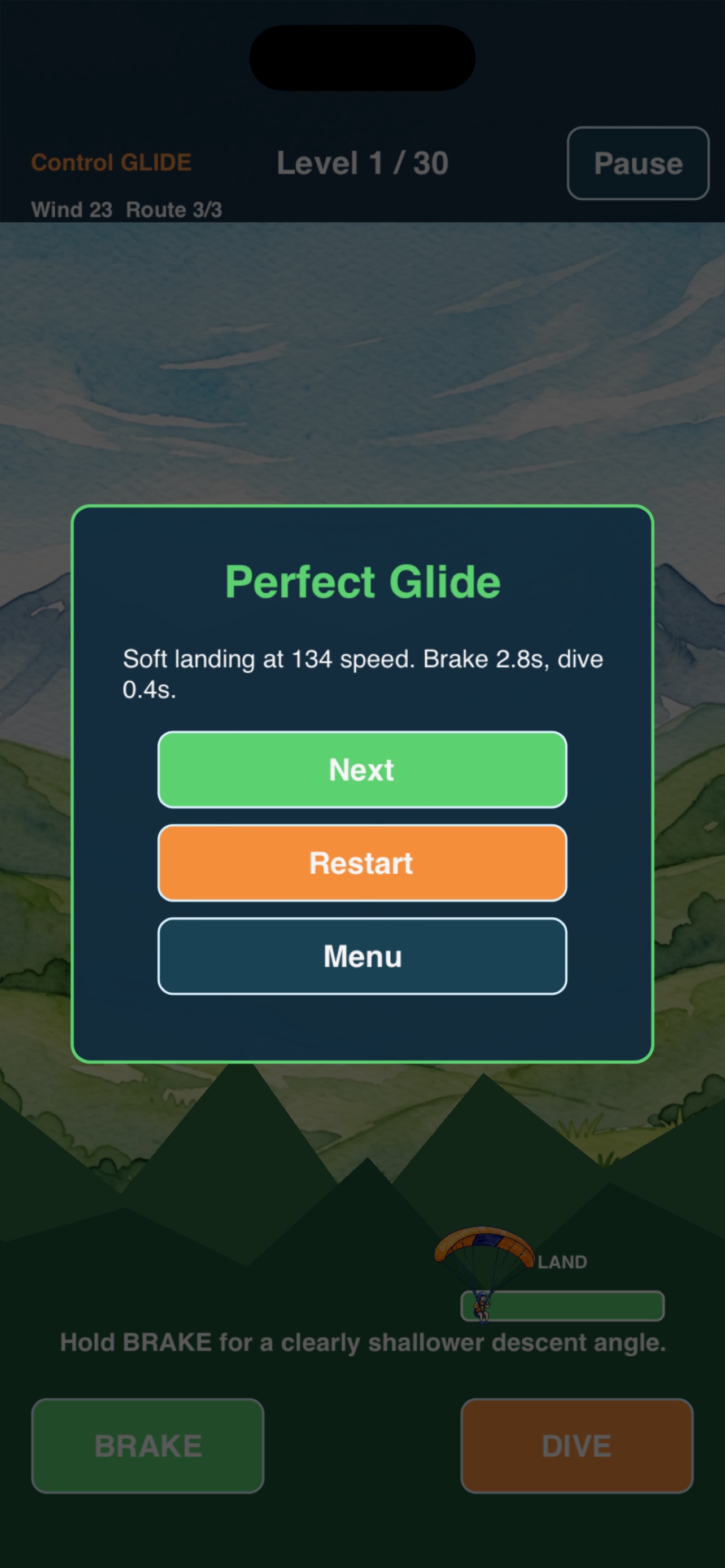
Soft Landing
Reach the green pad at low speed while descending to land softly and unlock the next level.
About Canopy Current Glide
Canopy Current Glide is an offline single-player paraglider glide game built with SpriteKit. Each level is a descent from a mountain launch to a valley landing pad, shaped by wind, updrafts, and the player's control.
The game spans 30 levels. The course gets wider as levels progress: 3 screens for levels 1–10, 4 screens for levels 11–20, and 5 screens for levels 21–30. Sky color shifts from day blue to sunset orange (level 13+) and finally to night blue (level 25+).
Each level places 1 to 5 air currents along the route. Currents come in four types: LIFT (updraft, pushes the glider up), DROP (downdraft, pushes the glider down), SHIFT (alternating, reverses direction over time), and UNKNOWN (type hidden, must be read in flight). Wind strength grows with level.
The glider starts at a fixed launch point with an initial velocity that descends faster on higher levels. Two buttons drive flight control: BRAKE flattens the descent angle (slows vertical drop), DIVE steepens it (speeds up descent). The player must use at least one control before landing, or the attempt counts as No Control.
Landing is scored by speed at touchdown. Land inside the green pad while descending, at speed below 155, after using BRAKE or DIVE, to succeed. Overshoot the pad, miss the valley, land too hard, run out of time, or ignore the controls and the attempt fails.
How to Play
Tap START
Tap the START button in the center of the screen to launch the glider from the mountain.
Read the Air Currents
Each current is marked LIFT (pushes up), DROP (pushes down), SHIFT (alternates), or UNKNOWN (hidden). Plan your route through them.
Hold BRAKE
Hold the BRAKE button on the left to flatten the descent angle. Use it to extend your glide and reach a farther pad.
Hold DIVE
Hold the DIVE button on the right to steepen the descent angle. Use it to drop quickly when you are too high.
Land Softly
Reach the green pad while descending, at speed below 155, after using BRAKE or DIVE. Overshoot, land hard, or run out of time and you fail.
Watch the Timer
Each level has 45 seconds. If the thermals fade before you land, the attempt fails. Plan your route and don't float too long.
Support
How do I play?
Tap START, then hold BRAKE or DIVE to control your descent angle. Fly through air currents and land softly on the green pad. Tutorial levels (1–3) show extra hints.
Does it need internet?
No. Canopy Current Glide is fully offline. No ads, no in-app purchases, no accounts, no analytics, no tracking.
Need help?
Visit the App Store product page for Canopy Current Glide to contact support after release.